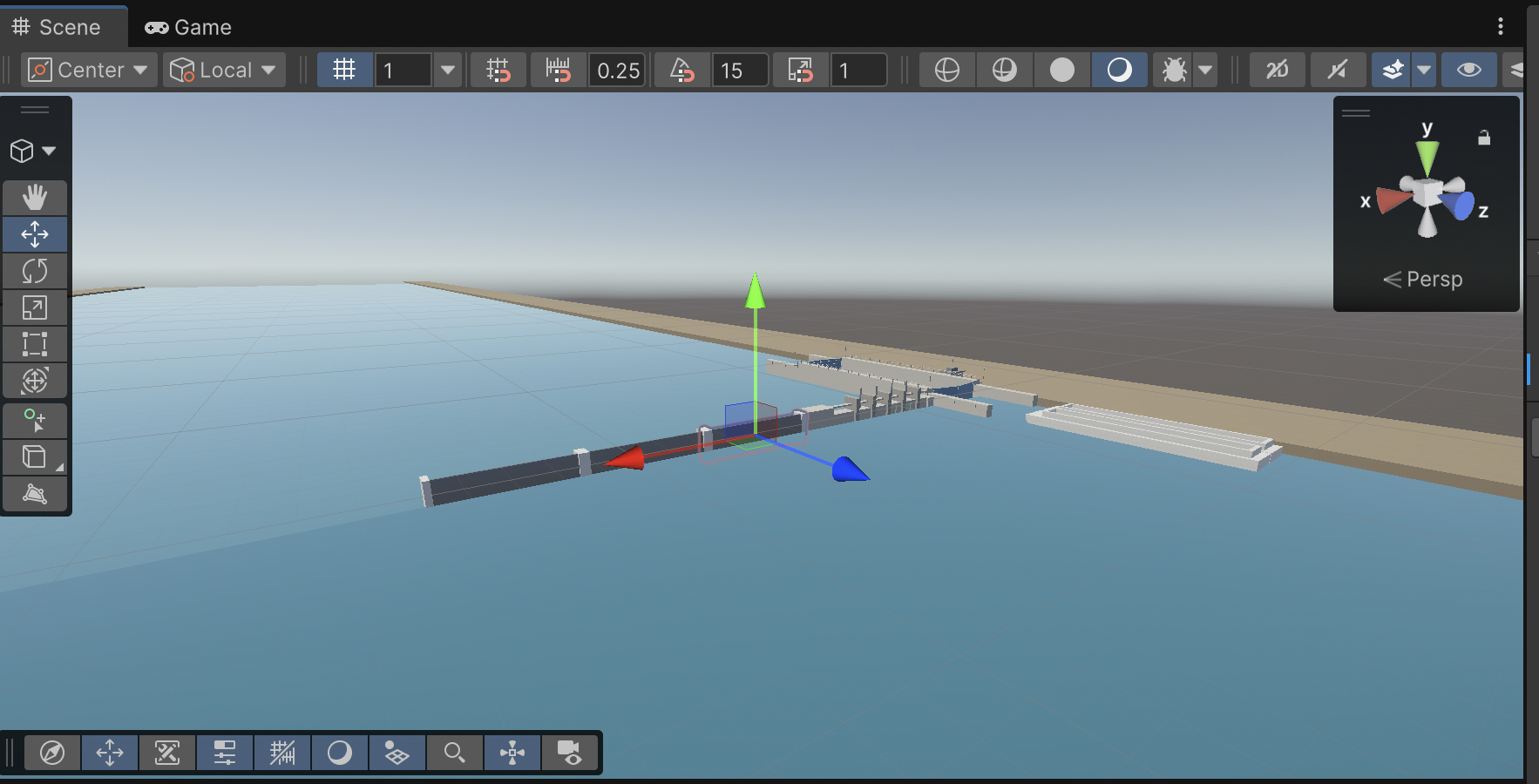
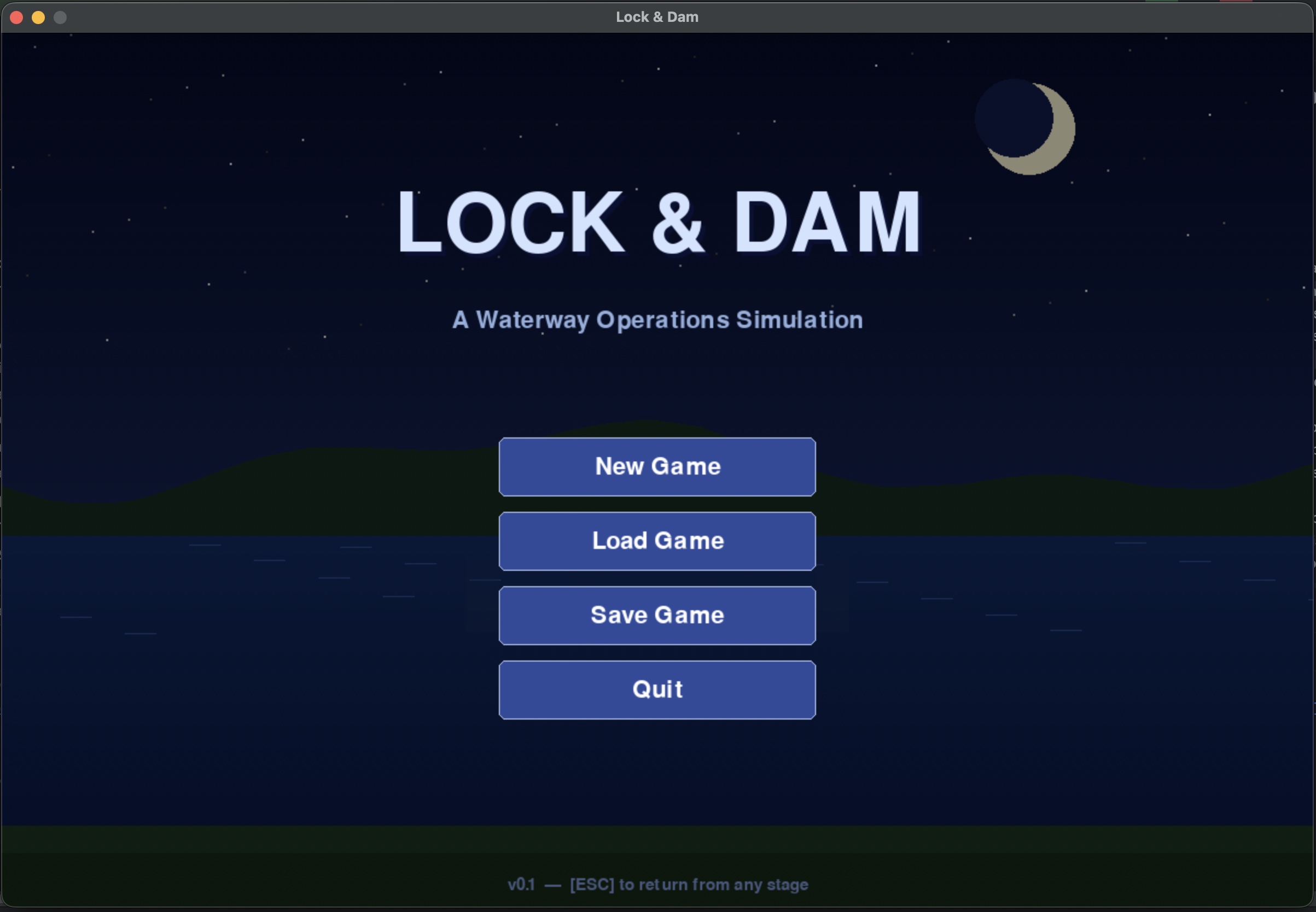
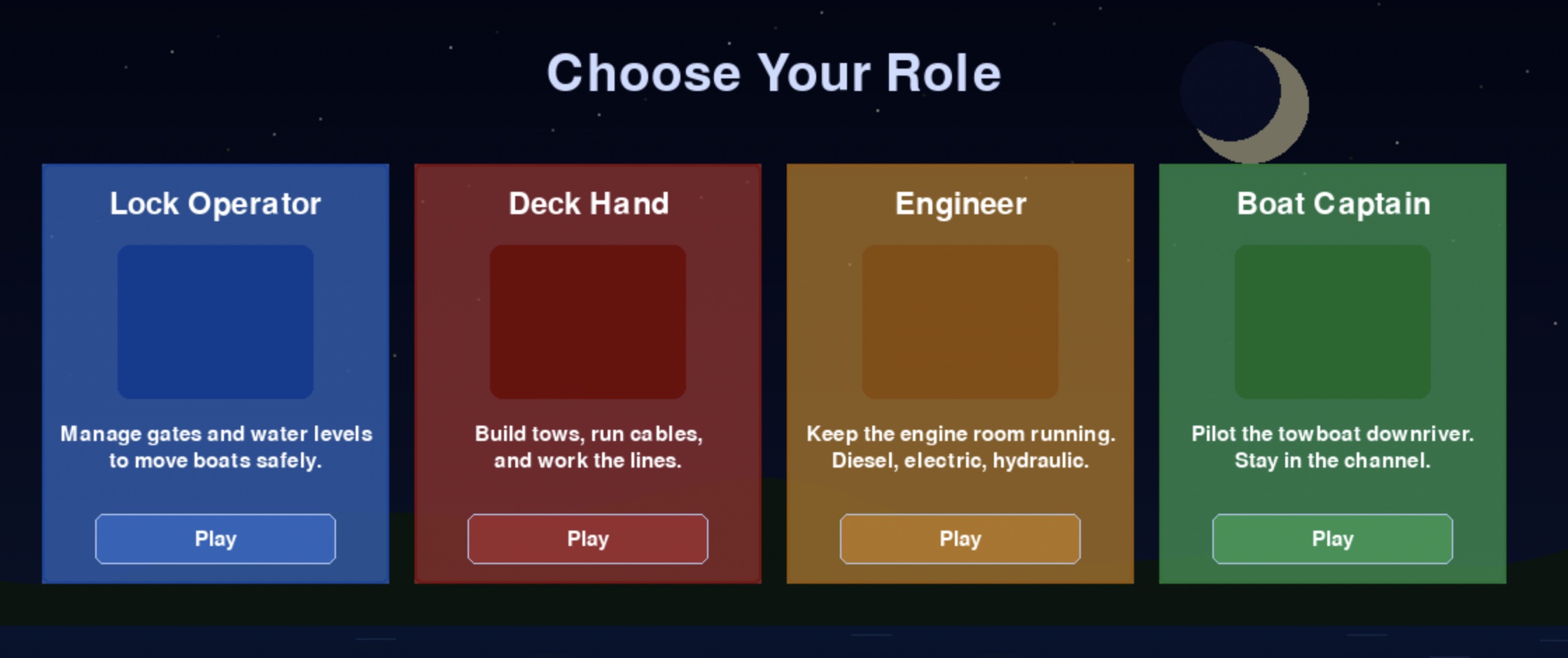
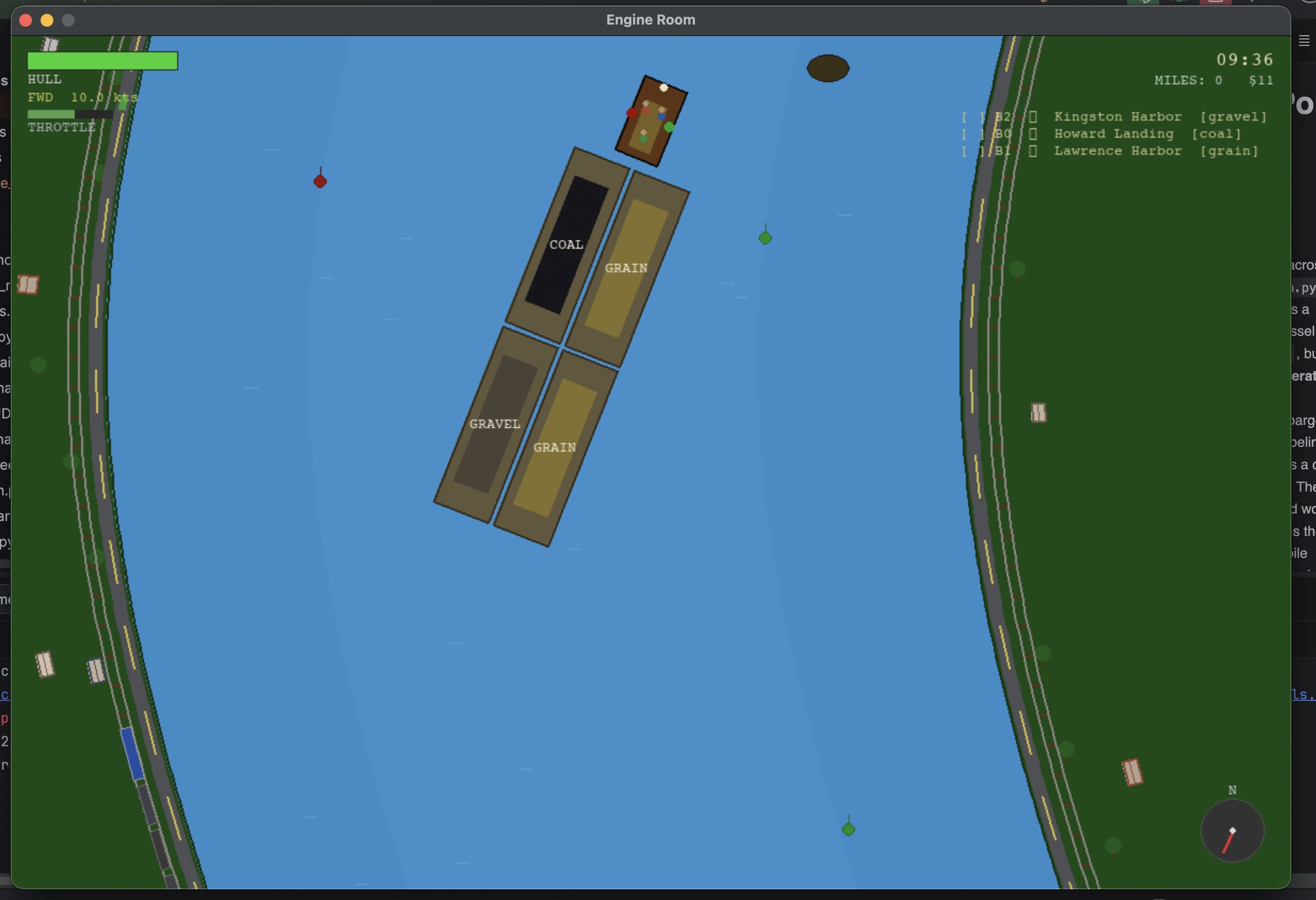
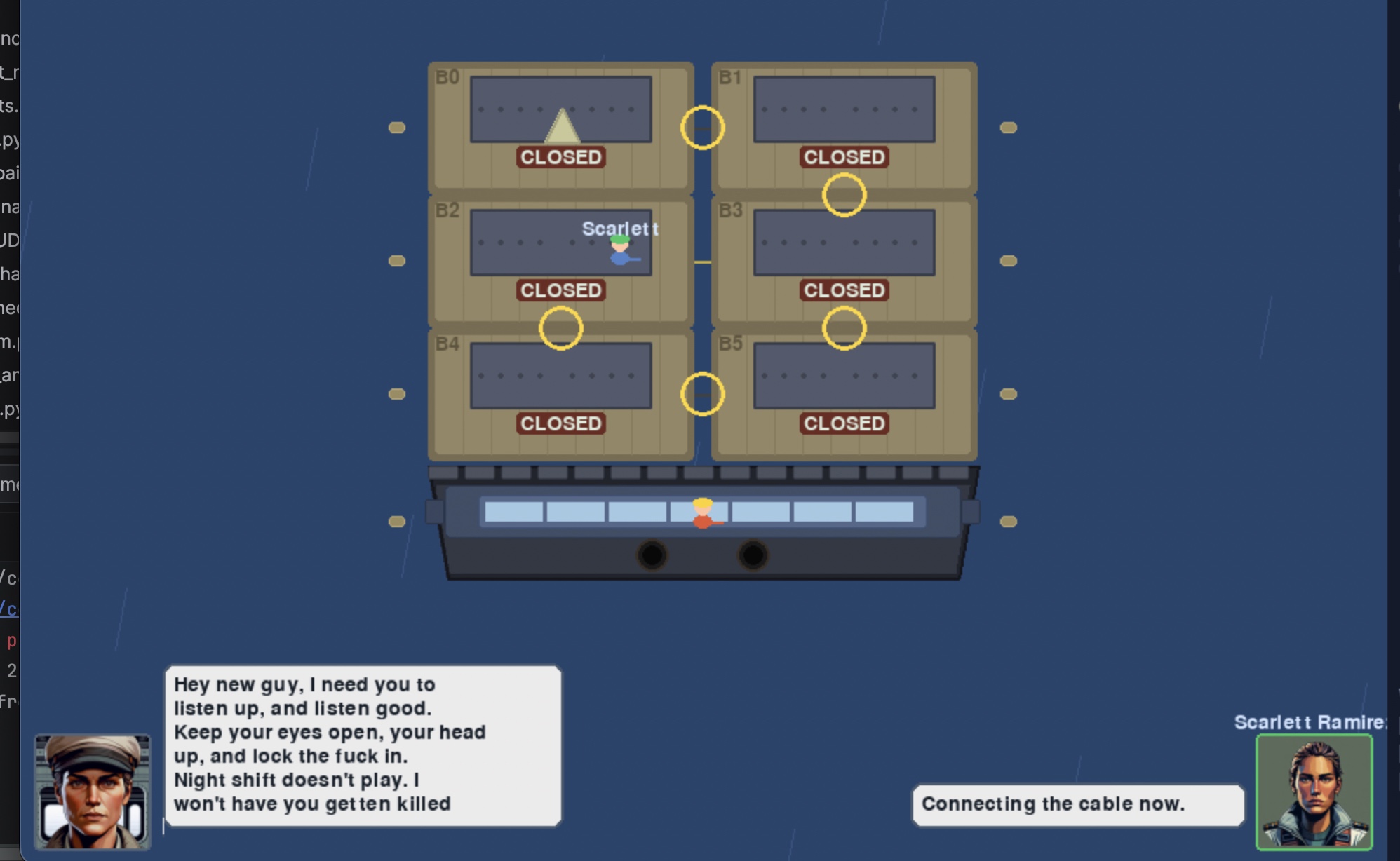
I spent most of the weekend testing Claude's ability to generate Unity assets in Blender. As it turns out, it does a decent enough job. So when my hands had had enough of Blender and Unity, I went back to Albatross and did some work on the deck-hand sim, came up with a couple of new games, and did a bunch of enhancements.
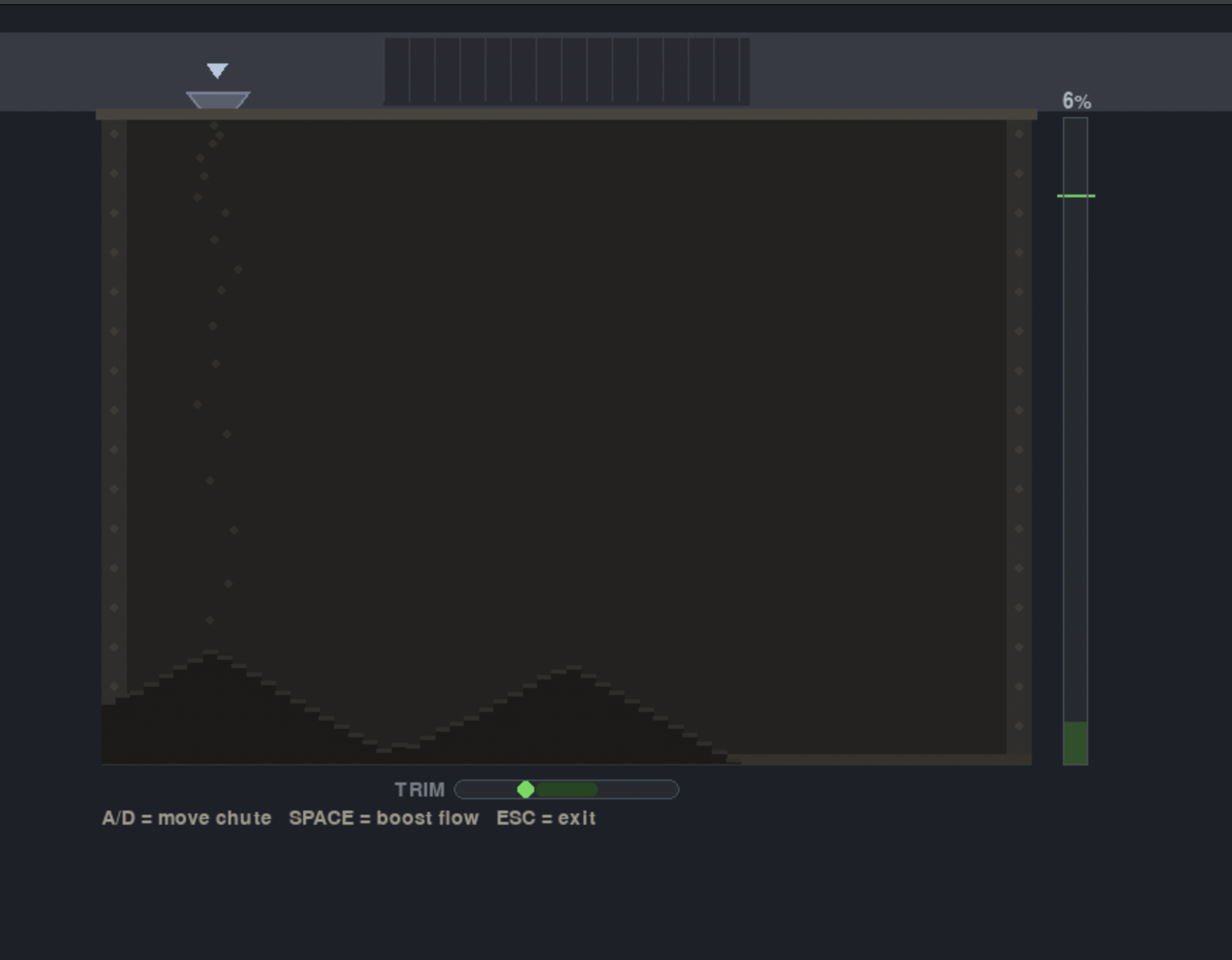
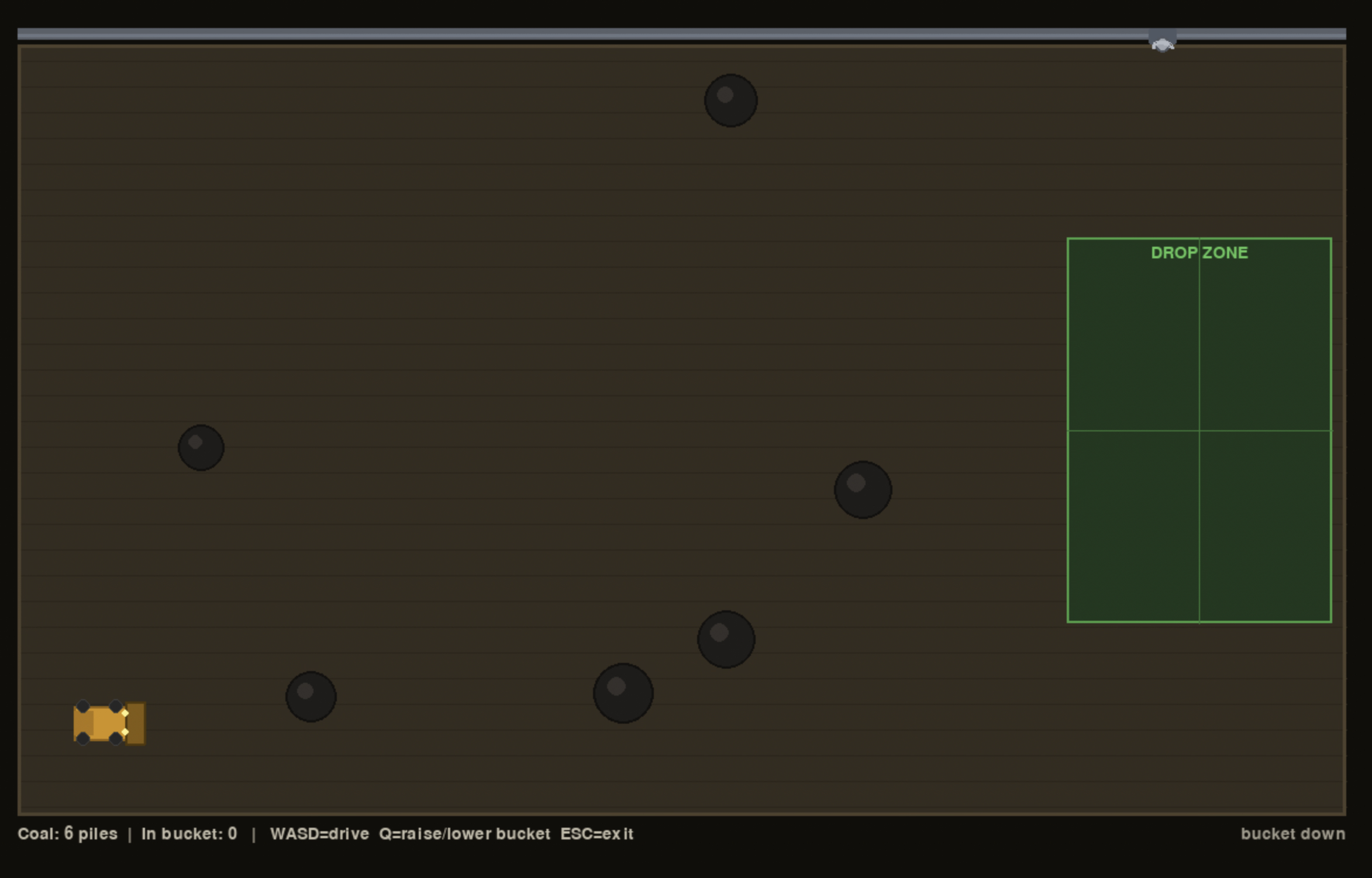
One weekend, while I was working on finishing up my open port of Second Conflict, I was away from my intel laptop and picked up project Albatros.
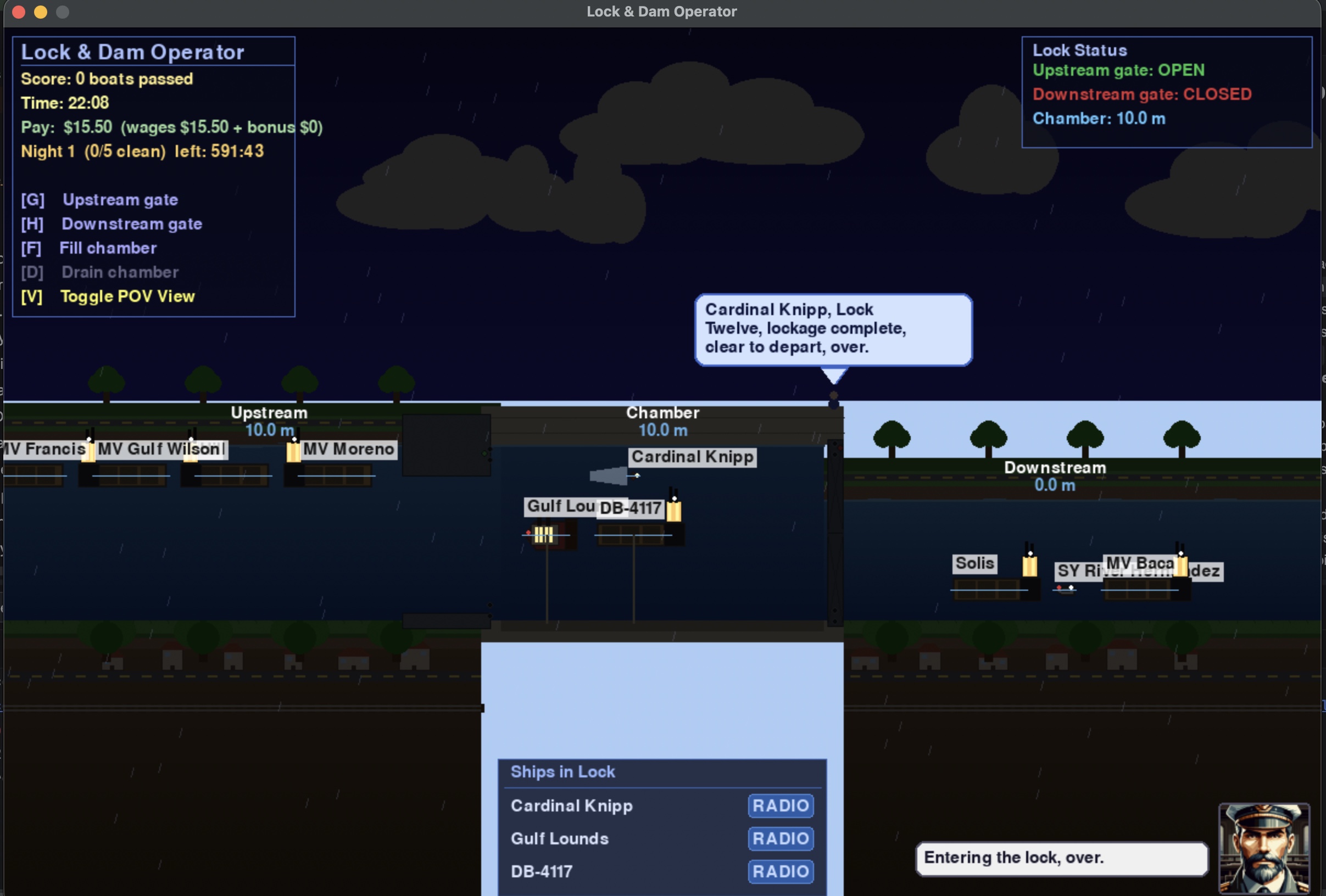
Project Albatros was a little thought experiment that I started in October of 2025, using Amazon Q to see if I could build a lock and dam simulator. I have fond memories from my childhood at a children's center playing with a lock and dam system toy with moving water, gates, and pumps. It was the highlight of my day after spending the rest of the day walking around with my parents at an art show. As a Boy Scout, we also visited and got a tour of one of the locks and dams on the Mississippi River. It was running on a mainframe that took up an entire wall in the building next to the lock. Walking across the gates with high waves was also a bit terrifying as a kid.
I’ve been fairly impressed using Anthropic Claude to crank through software projects and make my creative ideas come to life without days of coding that cause a lot of wear on my old (Nintendo-damaged) hands. I was mostly delighted to see Claude really bring my ideas to life, and I quickly burned through my token allowance.
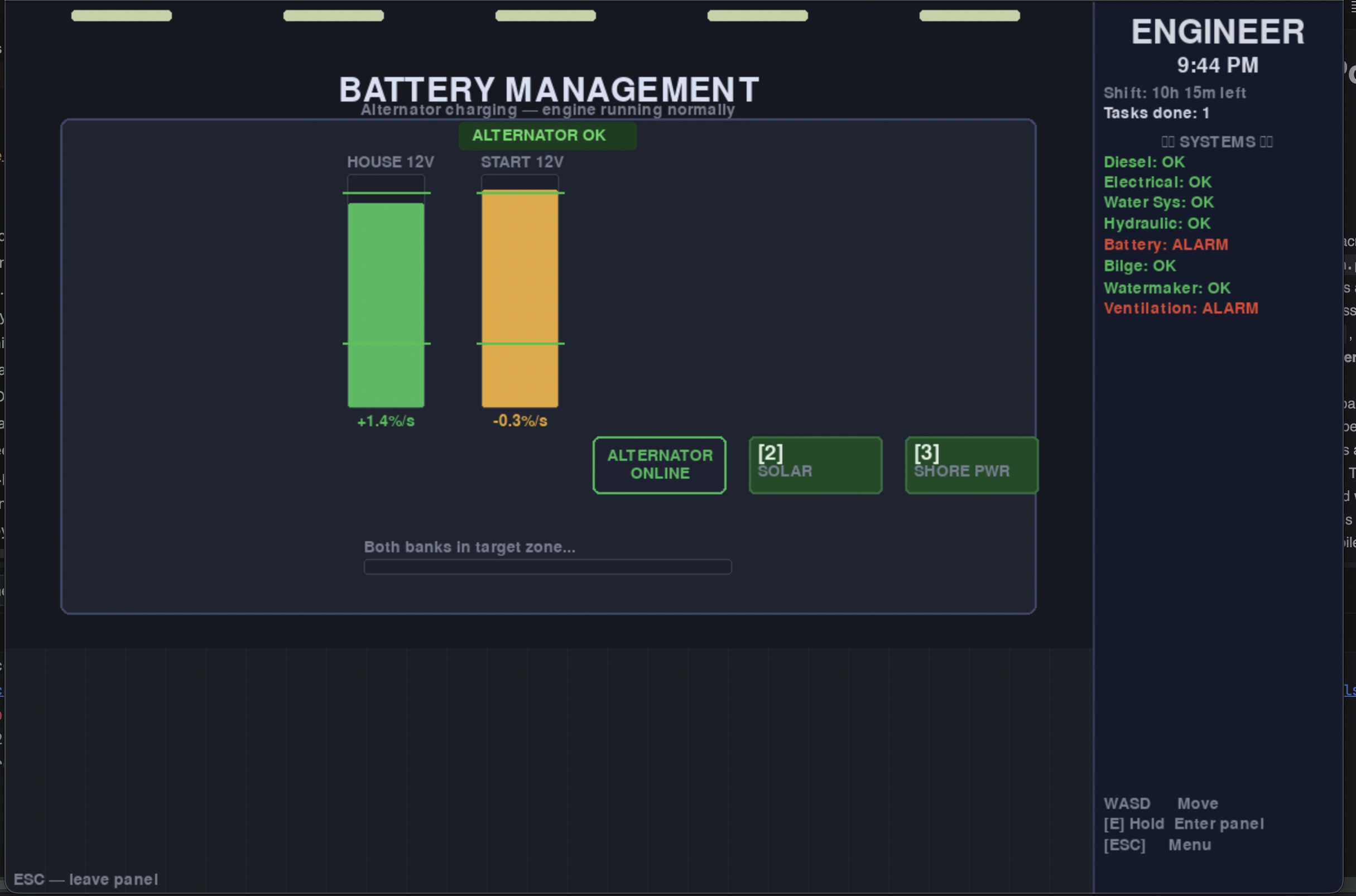
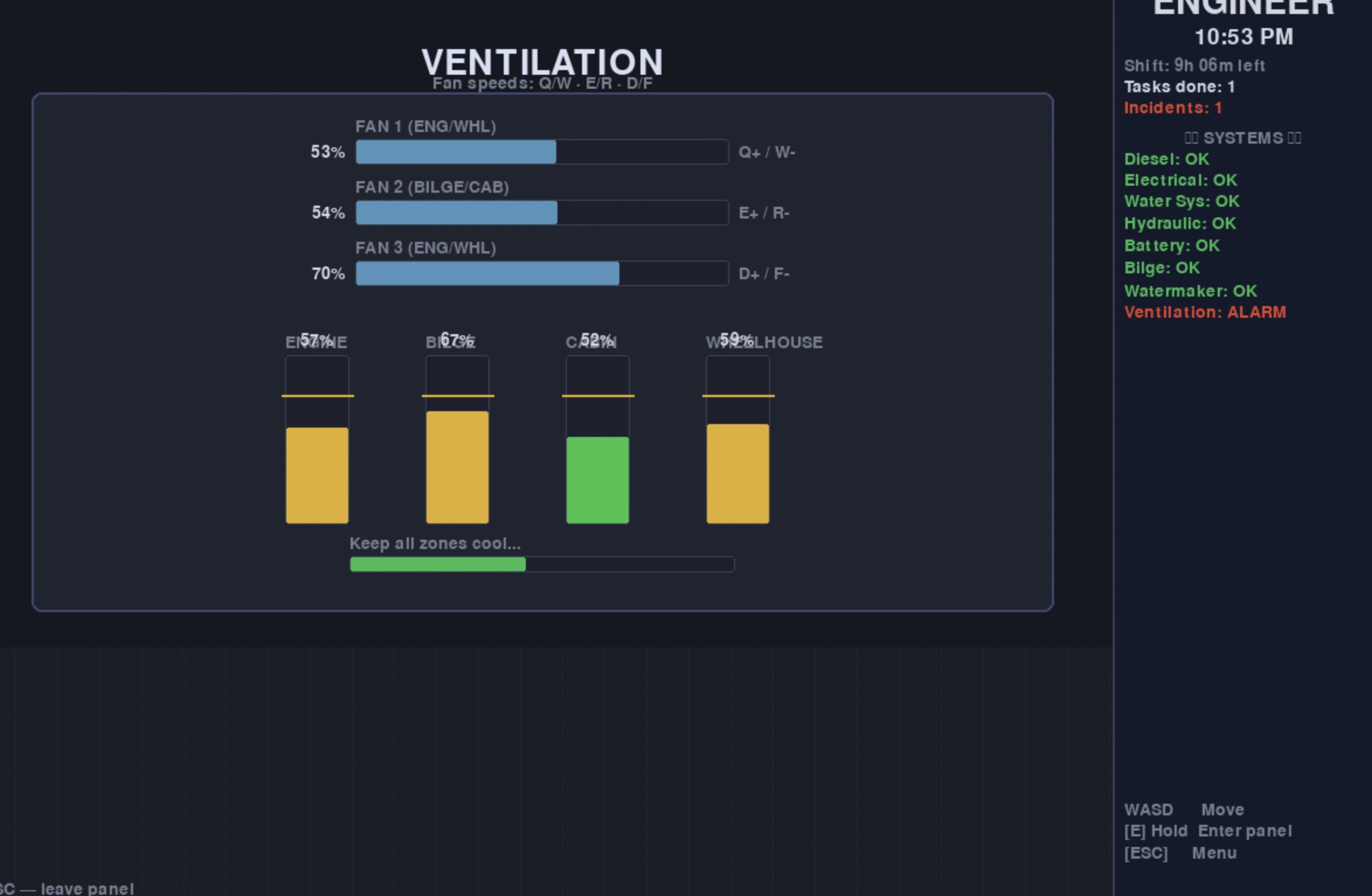
Once I had the lock and dam sim to a decent working state, I started daydreaming about other waterway-related games and how I could tie them all together. So I’ve spent the month of April building games and mini-games in Python Pygame. The results look like something out of the early 90s, and I can’t help but think that while I really enjoy working with Python, PyGame is holding me back from the bigger aspirations I have for the game. A lot of things I want to implement are clunky to do.
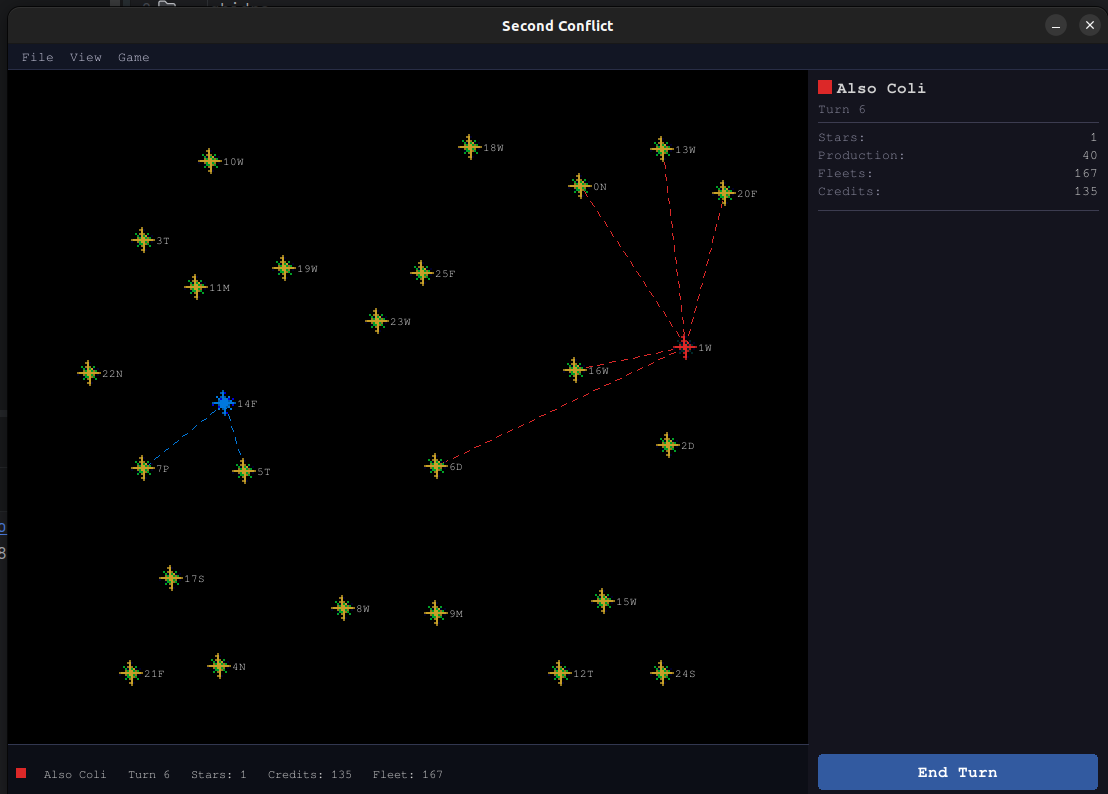
Second Conflict is a 1991 turn-based space strategy game for Windows 3.x, written in Borland C++
by Jerry W. Galloway. Up to ten factions compete to conquer a galaxy of 26 star systems,
dispatching fleets, managing planetary production, and grinding through attritional ship-to-ship
combat. The executable — SCW.EXE — is a 16-bit Windows NE binary that has never had
its source released. This post documents how we reverse-engineered the game's file formats,
mechanics, and UI from scratch, then rebuilt the whole thing in Python and pygame.
1. Starting Point — Why Ghidra?
The project began with a single goal: faithfully preserve the game's mechanics,
not just make something inspired by it. That means reading the actual binary.
Ghidra, the NSA's open-source reverse-engineering
framework, handles 16-bit NE executables well enough to produce readable pseudo-C for most
functions. We exported the full decompilation — 25,826 lines across 538 functions — into
decomp_scw.txt and used it as the authoritative reference throughout.
The core workflow was: find a dialog or behavior in the running game, locate the corresponding
Windows message handler in the decompilation (Ghidra labels them FUN_XXXX_YYYY),
read the pseudo-C, and translate that logic into Python. Where the decompiler output was
ambiguous we went back to the raw hex.
The original's dialog box identifiers (e.g.COMBATPAUSEDLG,REINFVIEWDLG) were recoverable from the NE resource table strings, which gave us reliable anchor points to search the decompilation.
2. Decoding the Save-File Format
Before writing any game logic we had to be able to read and write the original
.SCN/.SAV save files. The loader function
(FUN_1070_013f) reads ten sequential sections:
| Section | Size (bytes) | Contents |
|---|---|---|
| Header | 18 | Star count, sim-steps per turn, version 0x0300 |
| Stars | 99 × 26 = 2,574 | Star records with TLV garrison entries |
| Fleets in transit | 21 × 400 = 8,400 | Fleet records; 0xFF = free slot |
| Players | variable | 9-byte name + 27 × uint16 attributes |
| Event log | variable | Past-turn event strings |
| … | … | Misc state sections |
Several false starts happened here. The player record layout was initially read backwards — attributes came before the name in our first pass, not after. Star 0 turned out to use different field offsets than stars 1–25 (its coordinates are at bytes 9–10 rather than 1–2). These were caught by diffing known scenario files against parsed output until every field matched.
TLV garrison encoding
Each star's garrison (the ships defending it) is stored as a sequence of 7-byte
Type-Length-Value records. Each entry encodes a faction ID, ship type, and count.
The parser walks these until it hits a terminator byte, building a list of
GarrisonEntry objects that the engine then queries by ship type.
# From scenario_parser.py — reading one garrison entry
ship_type  = data[off]
faction_id = data[off + 1]
ship_count = struct.unpack_from('
3. Extracting Original Bitmaps from the NE Executable
The game's artwork lives inside SCW.EXE and SCWTIT.DLL
as NE resources. The complication: Windows NE DIB resources are stored
without the 14-byte BITMAPFILEHEADER that modern tools expect.
We wrote a parser in assets.py that walks the NE resource table directly:
- Read the NE header offset from the MZ stub at byte 0x3c.
- Follow the resource table pointer inside the NE header.
- Find entries of type
0x8002(RT_BITMAP). - Apply the alignment shift from the resource table header to get the true file offset and length.
- Prepend a synthesised
BITMAPFILEHEADER(calculating the pixel-data offset as14 + hdr_size + palette_entries × 4). - Load the result via
pygame.image.load(io.BytesIO(header + dib_data)).
Star sprites are stored as white-on-black 15×15 bitmaps, which made tinting trivial:
pygame.BLEND_RGB_MULT multiplies each pixel by the player's faction colour,
turning white into any desired hue. The title screen art (288×360) is pulled from
SCWTIT.DLL and shown in the About dialog when the DLL is present;
the dialog degrades gracefully to text-only otherwise.
# assets.py — tinting a white sprite to player colour
surf = base_sprite.copy()
tint = pygame.Surface(surf.get_size())
tint.fill(player_colour)
surf.blit(tint, (0, 0), special_flags=pygame.BLEND_RGB_MULT)
return surf
4. Game Engine
The engine lives under second_conflict/engine/ and is deliberately
stateless — every function takes the GameState dataclass and mutates
it in place, matching the original's single shared-memory model.
turn_runner.py — orchestrates one full turn
combat.py — warship attrition & combat records
production.py — per-planet ship production
fleet_transit.py— dispatch & advance fleets
revolt.py — loyalty decay & planet revolts
events.py — human-readable event log
distance.py — star-to-star travel time
Combat
The original game resolves combat as multiple rounds of attrition between
the attacking warships (any fleet arriving at an enemy star) and the defending
warships (always the star's current owner's garrison). Each round a random
fraction of each side is destroyed — the exact formula derived from the
decompiled _attrition function.
Combat produces a CombatRecord dataclass — attacker/defender factions,
initial and final ship counts, a list of per-round (atk_hit, def_hit)
tuples, and the winning faction. turn_runner.py returns these records
alongside the event log so the UI can animate them.
star.owner_faction_id, mirroring
what the original does.
Ship types
The original game has seven ship types. One caused confusion during RE:
planet type 'S' in the scenario file was initially labelled "Scout" in our
model. Cross-referencing the production dialog switch-case
(offset +0x55 in the star record) with the scout-launch code revealed
that offset stores StealthShip counts — so planet type S produces StealthShips,
not scouts. Probe ships fill the scout role.
| ID | Name | Planet type |
|---|---|---|
| 1 | WarShip | W |
| 2 | StealthShip | S |
| 3 | Transport | T |
| 4 | Missile | M |
| 5 | Scout | C |
| 6 | Troopship | — |
| 7 | Probe | P |
5. The UI — Translating Windows Dialogs to pygame
The original game is a classic Windows 3.x dialog-heavy application. Every interaction
— viewing your planets, dispatching a fleet, reading combat results — happens in a
modal dialog box. We translated each WNDPROC into a Python class inheriting
from BaseDialog, which handles the common pattern of: draw a bordered
panel, render text rows, handle mouse hover/click on buttons, close with a return value.
| Original ID | Python class | Purpose |
|---|---|---|
| ADMVIEWDLG | AdminViewDialog | All owned planets with ship counts |
| SCOUTVIEWDLG | ScoutViewDialog | Intelligence on enemy/neutral systems |
| REINFVIEWDLG | ReinfViewDialog | Incoming friendly fleets |
| REVOLTVIEWDLG | RevoltViewDialog | Planets at revolt risk |
| COMBATPAUSEDLG | CombatPauseDialog | Continue / Skip All between rounds |
| COMBATWNDPROC | CombatAnimation | Animated per-round battle replay |
| FLEETVIEWDLG | FleetViewDialog | All fleets in transit |
| PRODLIMITDLG | ProdLimitDialog | Set production per planet type |
| UNRESTVIEWDLG | UnrestDialog | Loyalty across all factions |
| … | … | … |
Combat animation
CombatAnimation is the most complex dialog. It replays a full
CombatRecord visually: ship dots (using extracted sprites,
tinted to each faction's colour) are scattered across a split battle area,
and each combat round plays out as a phase sequence:
def _build_phases(self):
    phases = [('scatter', 600)]          # ships fly to positions
    for r in range(len(self.record.rounds)):
        phases += [
            (f'r{r}_red',    500),       # casualties highlighted red
            (f'r{r}_yellow', 350),       # dying ships turn yellow
            (f'r{r}_clear',  300),       # dead ships removed
        ]
    phases.append(('result', 0))         # outcome — wait for click
    return phases
Dots are drawn as alive (tinted sprite), dying (yellow rect), or simply absent. The state machine advances automatically on a timer, pausing at 'result' until the player clicks.
6. AI Players
Two AI layers exist. The Empire AI controls the neutral Empire faction — a standing enemy that pressures all players throughout the game. The Player AI handles CPU-controlled player factions in single-player games, making fleet dispatch and production decisions each turn based on heuristics derived from the original's behaviour.
7. Project Structure
model/ — GameState, Star, Fleet, Player dataclasses
engine/ — pure game logic (no pygame)
io/ — scenario_parser: read/write .SCN files
ui/
dialogs/ — 15+ modal dialog classes
map_view.py — interactive star map
side_panel.py — right-hand fleet/turn panel
sys_info_panel.py— selected star details
ai/ — empire_ai.py, player_ai.py
assets.py — NE resource parser, sprite cache
main.py — entry point, menu bar, event loop
The model and engine layers have no pygame dependency at all, which kept testing straightforward and would allow a headless server mode.
8. Lessons Learned
- Trust the binary, not assumptions. Several fields were initially wrong because we assumed typical game layouts. The decompilation always won arguments.
- NE resources are not PE resources. The 16-bit Windows NE format predates the PE format and has a completely different resource table structure. DIB bitmaps stored inside it lack the file header that modern tools expect — synthesising it from the DIB's own info header is the only way to load them.
-
White sprites are a tinting gift. If the original artist drew
ship and star sprites in white-on-black,
BLEND_RGB_MULTgives you faction colouring for free. No palette hacks required. - Stateless engine functions pay off. Keeping all game logic as pure functions over a serialisable state dataclass made save/load trivial and prevented entire classes of bugs where UI and model drifted out of sync.
-
Name things from the source. Using the original dialog IDs
(
ADMVIEWDLG,REINFVIEWDLG, etc.) as class-level docstring references meant that whenever something looked wrong, there was an unambiguous pointer back to the relevant decompiled function.
What's Next
The remaining work is mostly filling in edges: fog-of-war is not yet implemented (currently all stars are visible to all players), the diplomacy system is stubbed out, and a few of the original's more obscure mechanics — missile fleet speed bonuses, troopship boarding combat — are approximated rather than exact. The save-file round-trip is complete, which means existing original scenario files load and play correctly.
SCW.EXE is present
on the user's machine the engine will extract and use the original sprites,
otherwise it falls back to procedural graphics.
 Source Code